
How to make money with n8n: selling custom AI automations to businesses
Small and mid-sized businesses need AI connected safely to the tools they already use. This guide walks through how freelancers and small agencies build a real service business with n8n—why clients choose execution-based pricing and self-hosting, what n8n's Sustainable Use License allows you to sell, which workflows businesses actually pay for, and how to price audits, builds, and monthly retainers.
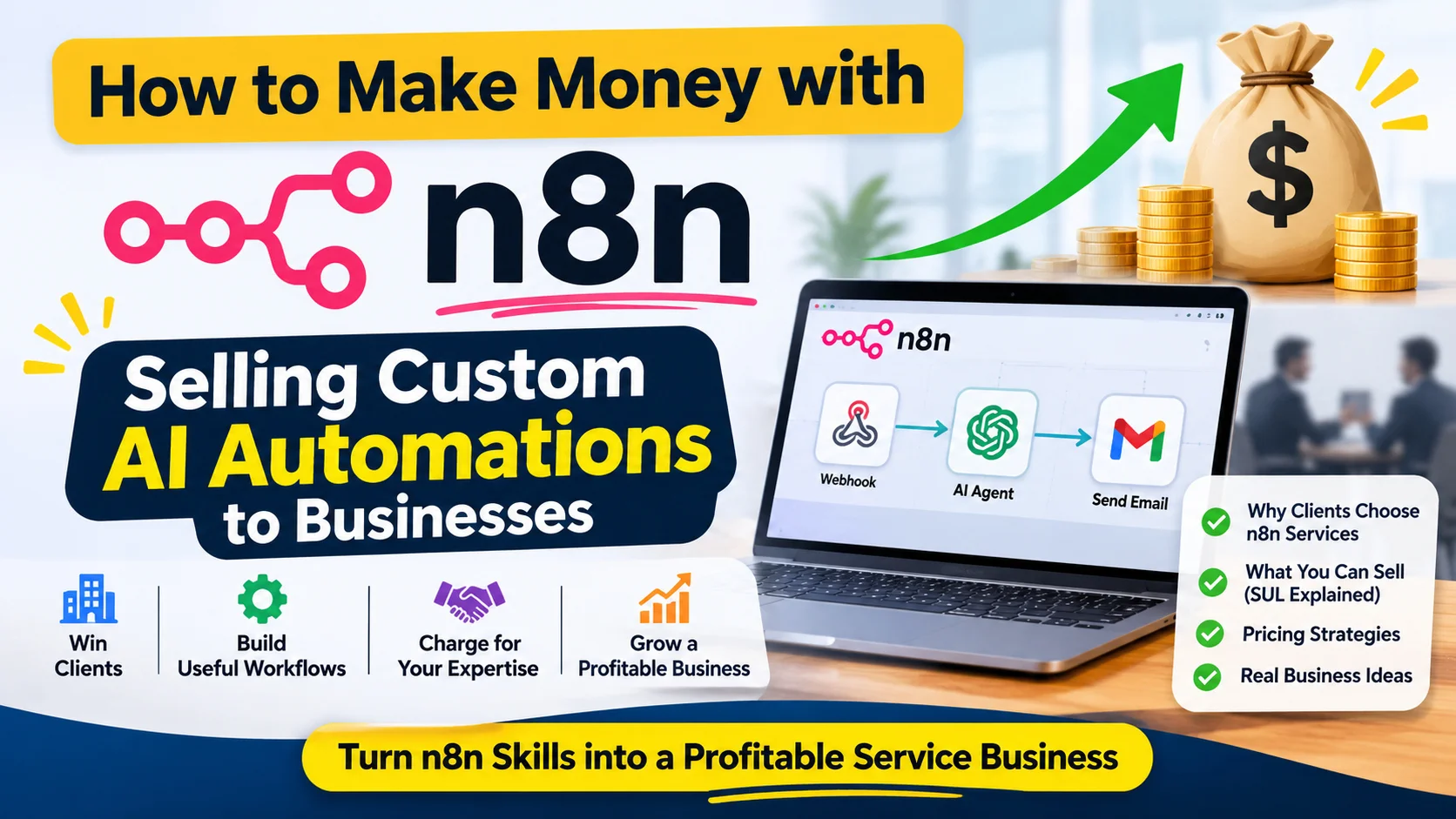
Table of Contents6 sections
Most small businesses run on manual glue. A lead fills out a web form, someone copies it into a CRM, a rep writes a follow-up from scratch, and finance retypes invoices every Friday. Owners know AI can trim that busywork, yet they lack the engineering time to wire language models safely into tools they already pay for.
That gap makes selling custom AI automations with n8n a solid service business. You are not building a new SaaS startup. You connect language models to existing operations and charge for recovered staff hours and fewer mistakes.
Because n8n pairs a visual canvas with code-level control, one freelancer or small studio can deliver systems that once needed a full engineering team. Earning steady income still takes more than dropping an AI node onto a screen. You need to explain n8n's pricing edge, follow its license, pitch workflows companies actually buy, and support them reliably after launch.
Why businesses pay for n8n over Zapier or Make
When you pitch automation to a company owner, they rarely care about your stack. They want to know what the platform will cost every month once you hand it over. On that question, n8n's billing model gives you a direct advantage.
According to n8n's pricing page, every paid plan includes unlimited users alongside unlimited workflows and all integrations. Billing tracks monthly workflow executions rather than steps or seats. One full workflow run counts as a single execution regardless of how many nodes sit inside it. On n8n Cloud, Starter costs €20 per month (billed annually) for 2,500 executions with unlimited steps and 5 concurrent executions. Pro costs €50 per month (billed annually) for 10,000 executions and scales up to 50 concurrent executions on higher Pro tiers.
Compare that model with step-based tools. Zapier's pricing begins with a Free tier at $0 per month for 100 tasks, moves to Professional from $19.99 per month (billed annually) for 1 seat, and reaches Team from $69 per month (billed annually) for 25 users. Under Zapier's task rules, every successful action step uses 1 task. Make's credit model works similarly: by default, 1 operation equals 1 credit for standard modules, while built-in AI apps add dynamic token charges unless you bring your own API key.
An illustrative example shows how fast bills diverge. Suppose a business handles 500 incoming leads per month through a 10-step workflow covering enrichment, LLM scoring, CRM updates, and Slack alerts. On n8n, 500 runs equal 500 executions, or 20% of the 2,500-execution Starter allowance. Under a 1-task-per-action or 1-credit-per-operation model, those 500 runs use 5,000 tasks or credits monthly. Because AI flows often loop over items and validate outputs, per-step billing climbs quickly.
Privacy-conscious clients in healthcare or finance also care where records live. With self-hosted n8n, you can deploy the free Community edition on a client's private cloud or on-premises server via Docker Compose with no license key. Larger teams needing SSO or Git version control can upgrade self-hosted servers to Business at €667 per month billed annually for 40,000 executions (companies under 20 employees can apply for 50% off Business under the Startup plan), or choose Enterprise for 200+ concurrent executions with SLA support.
For builders, n8n avoids technical dead ends. While Zapier connects to 9,000+ apps, n8n's integration library lists 2,000+ integrations (2,891 available). When a client uses a regional ERP, you call it with the HTTP Request node or run JavaScript or Python in the Code node. For AI work, n8n's AI stack connects OpenAI or Anthropic models with memory, vector stores like PGVector or Qdrant, and one-click Model Context Protocol (MCP) servers.
What you can legally sell under n8n's license
Before spinning up one shared server for twenty clients, read the license. Skipping it is an easy way to build an offer that breaks n8n's terms.
Self-hosted Community edition uses the Sustainable Use License (SUL), a fair-code license rather than traditional open source. Files containing .ee. require an Enterprise license, while the remaining core code falls under the SUL for internal business or non-commercial use. The n8n License FAQ draws a plain line: if workflows are only created or modified by you or your team, you can use Community edition for free.
Under the Community license, you may build automations for clients on your own instance as long as clients cannot create or edit workflows themselves. Charging customers for setup, maintenance, or consultancy is allowed. You may also run multiple Community instances or place n8n behind the scenes in your software so users trigger automations without touching the editor.
The limits on the other side are just as strict. Hosting n8n as a multi-tenant service where clients log in to build workflows requires a commercial agreement. Letting external users configure workflows through a custom UI, API, or AI agent is prohibited too. You cannot white-label n8n by removing branding or fork it into a rival tool. Embedding a visual workflow builder inside your product requires a paid OEM deployment agreement and keeps n8n branding visible.
For most freelancers and agencies, the cleanest route is also the easiest sell: deploy inside the client's n8n Cloud account or on a client-owned server. Clients keep control of data and credentials, stay within standard terms, and never feel trapped by a contractor.
Custom AI automations businesses actually buy
Flashy autonomous agent demos get clicks online, yet owners rarely pay for experiments. They pay to clear repetitive bottlenecks that slow sales or waste staff hours every week. Four workflow categories consistently sell well.
Lead intake and CRM routing is usually the fastest sell because it sits beside revenue. When a prospect submits a form or emails sales, an n8n workflow enriches company details via API, runs an Information Extractor or Text Classifier node to score urgency, updates the CRM, and posts a short brief in Slack with a drafted reply. A rep still approves and sends the email, protecting brand voice while cutting manual copy-pasting.
Support triage and knowledge-base drafting fits SaaS teams and online stores handling repeat questions. Using Retrieval-Augmented Generation (RAG), you index help docs and policies in a vector store such as PGVector or Supabase. Incoming tickets get categorized, matched to policy snippets, and paired with a grounded draft inside the helpdesk. Billing disputes or urgent tickets route straight to a senior agent.
Document and invoice processing targets back-office busywork almost every established business hates. Teams receive PDFs and vendor bills by email all day. An n8n workflow watches the inbox, extracts text, asks an LLM for strict JSON fields like vendor name and line totals, checks the math in a Code node, and sends clean rows into accounting software. Mismatched totals get flagged for a bookkeeper instead of posting silent errors.
Migration paired with AI upgrades gives you buyers who already trust automation. Companies running large flows on Zapier or Make often watch monthly task bills rise with volume. Auditing those setups, rebuilding high-volume flows in n8n, and adding AI summarization makes a direct cost-saving pitch.
Across all four categories, restraint beats clever prompts. n8n includes a Guardrails node to check LLM inputs and outputs against safety rules while masking PII or secret keys before text hits a model. For irreversible steps like sending external messages or deleting records, human-in-the-loop approvals pause an AI Agent in Slack or chat until someone clicks Approve or Deny. As n8n's MCP guide notes, built-in nodes give tighter parameter control for fixed actions, whereas MCP servers fit cases where an agent truly needs broader tool choice.
Ways to package and price your services
Hourly billing punishes skill in automation work. A workflow that takes two weeks the first time often takes two days on your fourth client. Packaging around outcomes and reliability protects your margin.
Start with a paid discovery audit instead of writing free proposals for vague requests. Charge a modest fixed fee to map tools, isolate two manual tasks, estimate execution counts plus LLM API spend, and deliver a written blueprint. Even if the client pauses, you get paid for your diagnosis. When they move ahead, credit part of the audit toward implementation.
Quote builds as fixed-scope projects tied to the manual work removed. An illustrative calculation grounds that talk. Suppose an operations team spends 5 hours per week sorting leads or keying invoices by hand. Across a 4-week month, that equals 20 hours per month, or 240 hours per year. Valuing staff time conservatively at $25 per hour reaches $500 per month, or $6,000 per year, before counting slow replies or typos. Placing that math beside real software costs (like €20 per month on n8n Starter billed annually plus modest LLM spend) makes a fixed fee feel sensible.
Predictable recurring income comes from monthly maintenance retainers. Workflows drift over time: APIs change payloads, OAuth tokens expire, providers retire models, and staff rename CRM fields. A monthly retainer covering monitoring and prompt updates turns one-off builds into steady revenue. Back it with a dedicated error workflow starting with the Error Trigger so failed runs ping Slack or email immediately. Use n8n evaluations to test prompt edits against known cases before shipping live updates.
Once you solve a bottleneck several times, add repeatable vertical delivery and ecosystem channels. Focusing on one industry lets you reuse core patterns while tailoring client fields. You can also publish templates in the n8n Verified Creators directory, join the waitlist for n8n's closed pilot for Expert Partners, or join the affiliate program for a 30% revenue share over 12 months on Starter and Pro plans.
Landing first clients and delivering reliably
Beginners often stall because they pitch AI automation in abstract terms. Owners rarely wake up wanting an agent; they wake up annoyed that weekend leads sat untouched or onboarding still takes nine manual steps.
Pick one narrow workflow you can explain in two sentences and build a clean demo with sample data. Record a short video showing the raw input, n8n running behind the scenes, and the output inside a CRM or inbox. Share it with operators you know, local service firms, or marketing agencies managing client CRMs without technical staff. Working behind an agency is often faster than cold outreach because the agency already holds client trust.
After winning a client, disciplined handover drives renewals. Automate one painful process end to end before pitching expansions. Store credentials inside the client's n8n workspace rather than pasting keys into HTTP nodes. Attach an Error Handler workflow so failures never pile up silently, and leave a brief guide covering triggers, human approvals, and pausing the flow during outages.
Selling n8n automations is not passive income, and it never replaces understanding how businesses run. It fits builders who enjoy fixing messy habits, respect licensing rules, and ship AI workflows with guardrails instead of hype. If you are starting from zero, skip polishing an agency site this week. Pick one repetitive task companies pay staff to do by hand, build a dependable n8n workflow with human approval and error alerts, and show that demo to ten owners living with that headache.
References
[1] n8n Plans and Pricing (accessed 2026-11-25)
[2] n8n Docs: Host n8n (accessed 2026-11-25)
[3] n8n Docs: Community License FAQ (accessed 2026-11-25)
[4] n8n GitHub: LICENSE.md (Sustainable Use License v1.0) (accessed 2026-11-25)
[5] n8n Docs: Deploy as an OEM Integration (accessed 2026-11-25)
[6] n8n Integrations Directory (accessed 2026-11-25)
[7] n8n Docs: Integrate AI (accessed 2026-11-25)
[8] n8n Docs: MCP Servers (accessed 2026-11-25)
[9] n8n Docs: Retrieve Relevant Context (RAG) (accessed 2026-11-25)
[10] n8n Docs: Human-in-the-Loop for Tools (accessed 2026-11-25)
[11] n8n Docs: Guardrails Node (accessed 2026-11-25)
[12] n8n Docs: Handle Errors Gracefully (accessed 2026-11-25)
[13] n8n Docs: Test and Improve AI Workflows (accessed 2026-11-25)
[14] n8n Docs: Code Node (accessed 2026-11-25)
[15] n8n Partner Programs and Verified Creators Directory (accessed 2026-11-25)
[16] Zapier Pricing and How Is Task Usage Measured in Zapier? (accessed 2026-11-25)
[17] Make Help Center: Credits (accessed 2026-11-25)