
Getting Started with Agentic Coding Using Google Antigravity (Free Plan)
Learn how to get started with agentic coding using Google Antigravity's free plan. This beginner-friendly guide covers Antigravity setup, AI model selection, Planning Mode, and a practical walkthrough of building a task management application with an AI coding agent. Discover how to review AI-generated code, test applications, and make the most of the free usage limits without purchasing a subscription.
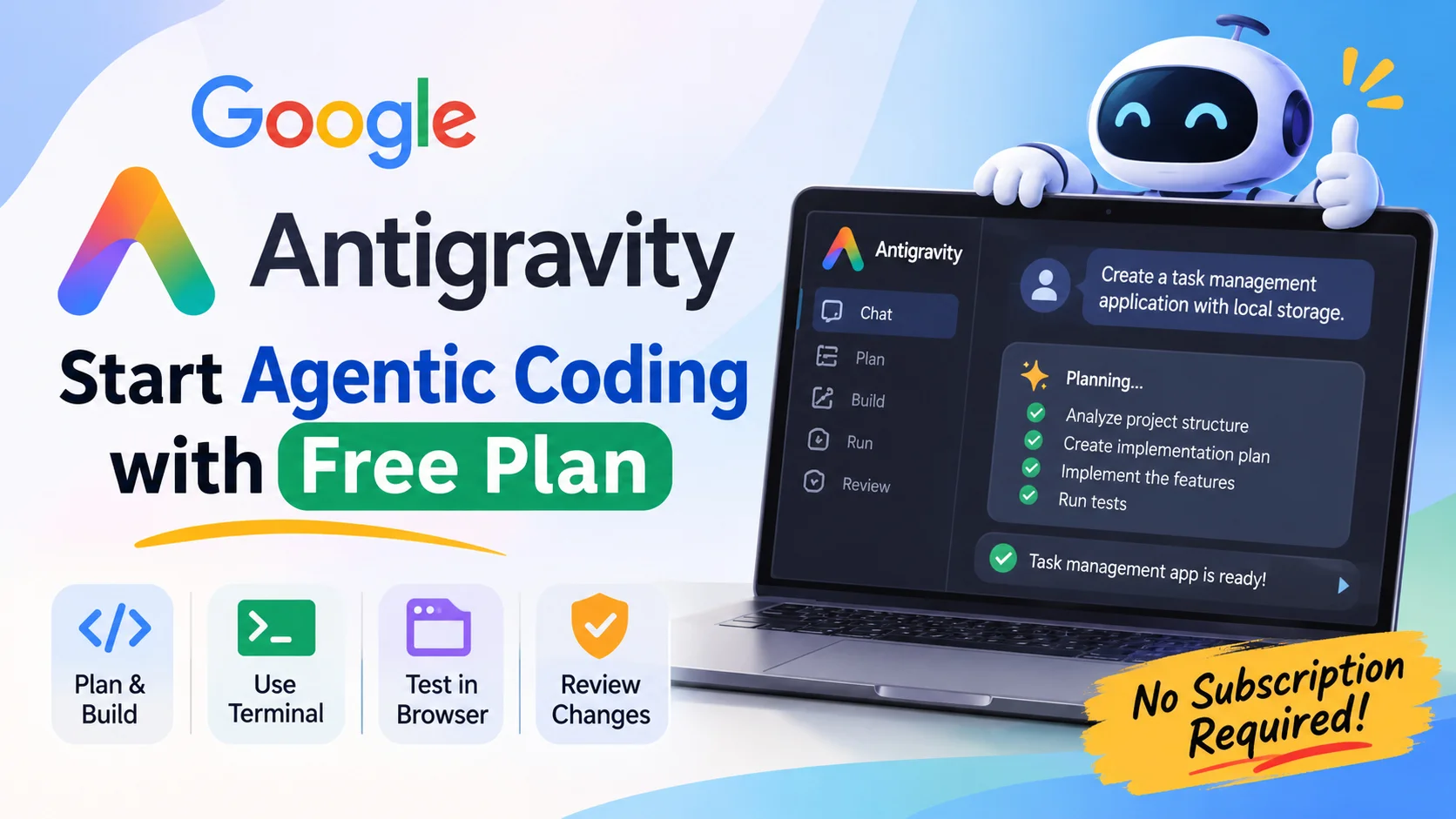
Table of Contents28 sections
AI coding tools have changed how developers approach everyday programming tasks. What started with code completion and simple chat-based assistance has evolved into something more capable: AI agents that can understand a project, make decisions about implementation, modify multiple files, execute commands, and test their own changes.
This approach is commonly known as agentic coding.
Google Antigravity is one of the tools bringing this approach into practical software development. It allows developers to work with AI agents that can interact with a project rather than simply suggesting code snippets.
The interesting part is that you don't necessarily need a paid subscription to get started. Antigravity offers a free individual plan with access to agent capabilities, making it possible to explore agentic development without committing to a monthly subscription.
In this guide, we'll look at how Antigravity works, how to configure it using the free plan, and how to build a small application with an AI coding agent.
1. What Is Agentic Coding?
Before opening Antigravity, it helps to understand what makes agentic coding different from traditional AI-assisted programming.
Consider a common situation: you want to add user authentication to an existing web application.
With a conventional AI coding assistant, you might ask how to implement authentication. It could generate a login component or suggest a few code snippets. You would then need to understand where those files belong, integrate the code, update related components, and run the application yourself.
An AI coding agent can approach the same task differently.
You can describe the outcome you want, and the agent can:
- Explore the existing project structure.
- Read relevant source files and understand how they are connected.
- Develop an implementation plan.
- Modify multiple files.
- Install or configure dependencies when necessary.
- Execute terminal commands.
- Run tests and investigate errors.
- Review its implementation and make corrections.
The developer still makes the important decisions, but the agent handles much of the implementation work.
This doesn't mean giving an AI unrestricted control over your development environment. A good agentic workflow involves reviewing its plans, approving sensitive operations, inspecting code changes, and testing the final result.
That's the fundamental idea behind agentic coding.
2. What Is Google Antigravity?
Google Antigravity is an agentic development platform designed to make AI agents a central part of the software development process.
Unlike a traditional code editor with a chatbot attached, Antigravity provides agents with access to development tools that allow them to interact with your project.
Its capabilities include:
Codebase understanding: Agents can explore project files, examine existing implementations, and use that context when working on new features.
Agent-driven development: You can describe a task in natural language and let the agent plan and implement the required changes.
Terminal integration: Agents can execute commands, install dependencies, run applications, and investigate errors, subject to the configured permissions.
Browser integration: Browser capabilities allow agents to interact with websites, inspect application interfaces, and assist with testing.
Implementation artifacts: Antigravity can generate implementation plans, code diffs, walkthroughs, screenshots, and other artifacts that help developers understand what the agent has done.
One important distinction: Google now offers several Antigravity products, including the standalone Antigravity application, the original Antigravity IDE, CLI, and integrations for other IDEs.
This tutorial focuses on the Antigravity IDE, which provides the familiar code-editor experience alongside its agent capabilities.
3. Understanding the Antigravity Free Plan
One reason Antigravity is worth exploring is that an individual developer can start without purchasing a subscription.
Google's individual plan currently costs $0 per month.
The free plan includes:
- Access to available agent models.
- Unlimited Tab completions.
- Unlimited Command requests.
- Basic weekly agent usage limits.
- Access to Antigravity's core development features.
However, there is an important distinction between unlimited code completions and agent usage.
The free plan still has usage limits for AI agents. Google uses weekly rate limits for users who do not subscribe to Google AI Pro or Ultra.
These limits are not simply based on the number of messages you send. They are influenced by how much work an agent performs. A straightforward code change generally consumes less capacity than a complex task involving extensive codebase analysis, multiple files, and repeated testing.
Paid subscriptions provide higher usage limits and different quota refresh arrangements, but they are not required to begin using Antigravity.
Model availability also depends on your subscription. For example, Gemini 3.8 Flash is currently listed as available on the free plan. Always check the model selector for the models available to your account, since Google's model lineup and access policies can change.
You can check the latest details on Google's official pricing and documentation pages:
Antigravity Plans and Usage Limits
4. Installing and Setting Up Antigravity
Getting started does not require an API key or a complicated configuration process.
Step 1: Download Antigravity
Visit the official website:
Navigate to the download section and select the version appropriate for your operating system.
Antigravity supports Windows, macOS, and supported Linux distributions.
Make sure you select the Antigravity IDE if you want the full code-editor experience described in this tutorial. The standalone Antigravity application is a separate product.
Install the application and launch it.
Step 2: Sign In With Your Google Account
When Antigravity starts, you'll be asked to authenticate.
Choose the option to continue with Google and sign in using your personal Google account.
You don't need to purchase Google AI Pro or Ultra to use the individual free plan.
Complete the initial setup and open the IDE.
Step 3: Create or Open a Project
Antigravity needs access to a project before its agent can work meaningfully with your source code.
You can open an existing repository or create a new project folder.
For your first experiment, I recommend creating a separate folder rather than using an important production project.
For example:
my-first-agentic-project/Open this folder as your project in Antigravity.
The agent can now use the project files as context when responding to your instructions and making changes.
When working with an existing application, make sure you open the correct project directory. An agent needs access to the relevant source code to understand the architecture and implement changes correctly.
Step 4: Choose an Available AI Model
Antigravity provides a model selector through its agent interface.
Open the selector and choose a model that is available on your free plan.
For a beginner, the available Gemini Flash model is a reasonable starting point for ordinary development tasks.
You don't need to select the most expensive or advanced model to learn agentic coding. The quality of your instructions, the project context, and the way you break down tasks often matter just as much.
Model availability can change, so use the options shown in your own account rather than relying on model names from older tutorials.
5. Understand Planning Before Writing Code
One of the most useful habits in agentic coding is asking the agent to understand the task before implementing it.
Imagine asking an agent to build an entire application with a single instruction:
"Build me a complete task management application."
The request sounds simple, but it leaves many unanswered questions.
What technology should it use? What features are required? Should information be stored locally or in a database? How should the interface behave?
An agent has to make assumptions about these details. Some assumptions might be reasonable, while others might lead to unnecessary complexity.
Antigravity supports a planning workflow that helps avoid this problem.
Before implementing a feature, you can ask the agent to inspect the project, identify the necessary changes, and produce an implementation plan.
Depending on the interface version, you can use Planning Mode or start your instruction with the /plan command.
For example:
/plan

I want to build a simple task management application.

Before writing any code:

1. Understand the project structure.
2. Identify the technologies and existing dependencies.
3. Propose a suitable application structure.
4. Break the implementation into smaller tasks.
5. Explain the files that need to be created or modified.
6. Identify any dependencies or configuration changes.

Do not start implementation until I review and approve the plan.
The agent will analyze the request and prepare a proposed approach.
Review the plan carefully. Check whether it matches your requirements and whether the suggested technologies make sense.
You can ask the agent to revise parts of the plan before allowing it to proceed.
This is particularly useful when working on unfamiliar codebases or features that affect multiple parts of an application.
6. Build Your First Application Using Agentic Coding
Now let's put the concepts into practice.
For a first project, we'll build a simple Task Management Application.
The purpose isn't to create a production-ready application. It's to understand how an agent can take a development requirement, turn it into a plan, implement the necessary files, and test the result.
Define the Requirements
We'll keep the application intentionally small.
It should include:
- A clean and responsive user interface.
- The ability to add new tasks.
- The ability to mark tasks as completed.
- The ability to delete tasks.
- Filters for All, Active, and Completed tasks.
- Local storage so tasks remain available after refreshing the page.
For this example, we'll use HTML, CSS, and vanilla JavaScript. This avoids unnecessary dependencies and makes the underlying implementation easier to understand.
Step 1: Ask the Agent to Understand the Project
Open your project in Antigravity and start a new conversation.
First, give the agent some context:
I want to build a small task management web application
using HTML, CSS, and vanilla JavaScript.

The application should be simple, responsive, and easy
to maintain.

First, inspect the current project directory and explain
what files and configuration are already present.

Do not make any changes yet.
This gives the agent an opportunity to understand the workspace before modifying anything.
Step 2: Ask for an Implementation Plan
Now request a plan:
/plan

Create an implementation plan for the task management
application.

Requirements:

- Add new tasks.
- Mark tasks as completed.
- Delete tasks.
- Filter tasks by All, Active, and Completed.
- Persist tasks using browser localStorage.
- Create a responsive user interface.

Use vanilla HTML, CSS, and JavaScript.

Keep the implementation lightweight and avoid unnecessary
dependencies.

Explain the proposed file structure and how the application
will work.

Wait for my approval before implementation.
Review the generated plan and make adjustments where necessary.
For example, if the agent suggests using React or installing a frontend framework, remind it that this project should use vanilla JavaScript.
You want the simplest implementation that satisfies the requirements.
Step 3: Let the Agent Implement the Plan
After reviewing the plan, approve it and allow the agent to start implementation.
You can also provide a more specific instruction:
Implement the approved plan.

Follow the existing project structure and coding conventions.

Keep the JavaScript modular and easy to understand.

Ensure that task data is saved in localStorage and restored
when the application is reopened.

After implementation, check the code for obvious issues
and explain how I can run the application.
Antigravity can now create the necessary files and write the implementation.
As the agent works, pay attention to its actions. It may create HTML, CSS, and JavaScript files, modify existing files, and execute commands when needed.
You don't have to manually write every line of code.
However, don't treat the agent's completion message as proof that everything works.
Step 4: Run and Test the Application
Once implementation is complete, start the application using the instructions provided by the agent.
For a simple static application, you can use a local development server or another suitable method.
Check the important functionality:
- Can you add a task?
- Does the completion action work?
- Can you delete a task?
- Do the filters display the correct tasks?
- Are tasks still available after refreshing the page?
- Does the interface work on smaller screens?
Antigravity also provides browser integration that can help agents interact with web applications and perform browser-based checks.
For example, you can ask:
Open the application in the browser.

Test the following features:

1. Adding a task.
2. Completing a task.
3. Deleting a task.
4. Switching between task filters.
5. Refreshing the page and checking persistence.

Identify any problems and report the results.
Review the browser interactions and test results rather than assuming every reported success is correct.
Step 5: Fix Issues Through Follow-up Instructions
Suppose you discover that completed tasks are still appearing under the Active filter.
You don't need to manually search through multiple files to find the problem.
Describe the issue:
There is a problem with the task filtering functionality.

When I select the Active filter, completed tasks are still
displayed.

Investigate the current implementation, identify the root
cause, and fix the issue without changing unrelated features.

After making the correction, test all three filters.
The agent can investigate the relevant code, make a targeted change, and test the result.
This back-and-forth process is an important part of agentic coding.
You describe the desired behavior, the agent works on the implementation, and you evaluate the result.
7. Review the Changes Made by the Agent
One mistake beginners often make is accepting every generated change without reading it.
Although Antigravity can modify multiple files and execute development commands, you are still responsible for the code that becomes part of your project.
The IDE provides a Review Changes section in the Agent panel's bottom toolbar.
Use it to inspect the files modified during the conversation.
Pay attention to:
- New files created by the agent.
- Existing files that were modified.
- Dependencies added to the project.
- Changes to application configuration.
- Unexpected modifications outside the requested scope.
You can also provide feedback on individual changes.
For example, if the agent introduces an unnecessary dependency, ask it to remove that dependency and explain the alternative.
Google's documentation describes how the Review Changes panel lets you inspect the changes made during an agent conversation.
Review Changes in Antigravity IDE
Use Git Before Starting Larger Tasks
For projects that contain important work, Git is essential.
Before asking an agent to make substantial changes, create a commit or a separate branch.
For example:
git add .
git commit -m "Initial project state"
This gives you a known starting point and makes it easier to inspect or revert unwanted changes.
Also, be careful with terminal commands that delete files, overwrite configurations, or change your environment. Read commands before approving them, especially when they affect files outside your project.
8. How to Make the Most of the Free Plan
The free plan is sufficient for learning agentic coding and working on smaller projects. However, because agent usage is subject to weekly limits, how you use that capacity matters.
Here are some practical ways to avoid unnecessary consumption.
Break Large Tasks Into Smaller Pieces
Instead of asking the agent to build an entire application with authentication, payment processing, an admin dashboard, and deployment in one request, divide the work into smaller features.
For example:
- Set up the project structure.
- Implement the authentication interface.
- Connect the authentication logic.
- Add validation and error handling.
- Write and run tests.
This gives you more opportunities to review the implementation and correct problems before they spread across the project.
Use Planning for Complex Tasks
Planning is useful when a feature involves multiple files, architectural decisions, or changes to existing functionality.
For small modifications, such as changing a button label or fixing a simple styling issue, a direct instruction is usually sufficient.
You don't need a detailed implementation plan for every small change.
Provide Useful Context
Vague instructions often lead to repeated clarification and unnecessary implementation attempts.
Compare these two prompts:
Less effective:
Fix the application.More effective:
The login form currently accepts an empty email address.

Inspect the existing validation logic, identify why empty
values are being accepted, and fix the issue.

Keep the current form design unchanged and add a test
to verify that an empty email address is rejected.
The second instruction provides a clear problem, scope, and expected outcome.
Avoid Repeatedly Asking the Agent to Rebuild Everything
When something goes wrong, explain the specific problem and ask the agent to investigate it.
Repeatedly requesting a complete rewrite can waste usage capacity and introduce new problems into code that was already working.
A targeted correction is generally a better approach.
Monitor Your Usage
Antigravity provides usage information through its interface and settings.
Check the remaining quota when working on larger tasks. Since free-plan limits are weekly and can vary with the amount of agent work, avoid assuming that every task consumes the same amount of capacity.
You can continue working with available features, including code completions, even though agent usage has separate limits.
9. A Few Things to Keep in Mind
Agentic coding makes development more convenient, but it doesn't remove the need for software engineering knowledge.
An agent can generate code that looks correct but contains logical errors, security weaknesses, or unnecessary complexity.
There are a few habits worth developing from the beginning.
Understand the code before accepting it. Ask the agent to explain important implementation decisions, particularly when working with unfamiliar technologies.
Keep sensitive information out of your prompts. Avoid exposing API keys, database passwords, production credentials, or private configuration files.
Review terminal commands. Agents can execute commands that affect your local environment. Understand potentially destructive operations before approving them.
Test actual behavior. A successful code-generation response doesn't guarantee that the application works correctly.
Maintain version control. Regular Git commits provide a reliable way to recover when an implementation goes in the wrong direction.
The objective is not to let an AI agent make every decision. It is to use the agent to handle implementation work while you remain responsible for design, correctness, and maintainability.
10. What's Next After Learning the Basics?
Once you're comfortable with the basic workflow, there are several Antigravity capabilities worth exploring.
You can experiment with browser-based testing, reusable agent instructions, MCP integrations, and multiple agents working on different parts of a development task.
For example, MCP can connect an agent to external tools and services. This opens up possibilities beyond editing source files, such as working with databases, accessing documentation, or interacting with development infrastructure.
You can also experiment with more complex applications using frameworks such as React, Next.js, FastAPI, and Django.
However, there's no need to rush into advanced features.
Start with a small project, understand how the agent works, and gradually introduce more complex development tasks.
Final Thoughts
You don't need an expensive subscription or an advanced development environment to start learning agentic coding.
Google Antigravity's free individual plan provides a practical starting point for developers who want to explore AI-assisted software development beyond traditional code completion.
The most important skill to develop is knowing how to communicate requirements, evaluate implementation plans, review generated code, and test the final result.
Start with a small application, let the agent handle a clearly defined task, and pay attention to how it approaches the problem.
Over time, you'll become more comfortable working with agents and understanding where they can genuinely improve your development workflow.
The goal isn't to write less code simply for the sake of it. It's to spend less time on repetitive implementation work and more time making good engineering decisions.
Official Resources
For readers who want to explore Antigravity further, here are some useful resources: